
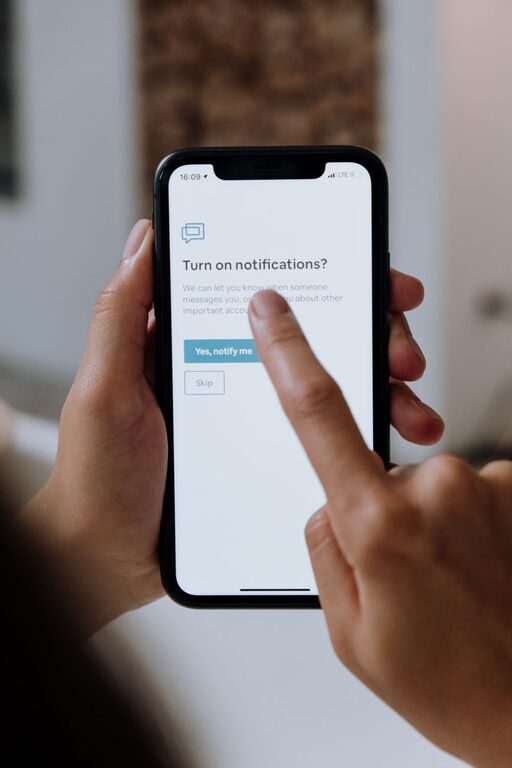
In today’s digital world, notifications are everywhere—from your phone and computer to smartwatches and other connected devices. While notifications can be useful for staying updated, they often become a source of distraction, stress, and disrupted focus. Setting boundaries with your notifications can help you regain control over your time and attention.
In this post, we’ll explore practical tips for managing notifications effectively, so you can create a more focused and balanced daily routine.
Why Setting Boundaries with Notifications Matters
Notifications are designed to grab your attention. When you receive constant alerts, it can be hard to concentrate on important tasks or enjoy uninterrupted downtime. Over time, this can lead to increased stress, decreased productivity, and even impact your overall well-being.
Setting boundaries with notifications helps you:
– Reduce distractions and improve focus
– Regain control over your time
– Lower stress and digital fatigue
– Foster healthier work-life balance
Tips for Setting Boundaries with Notifications
1. Audit Your Notifications Regularly
Start by reviewing the notifications you currently receive. Ask yourself:
– Which apps or services are sending the most alerts?
– Are all of these notifications necessary or helpful?
– Which notifications can be turned off without missing important information?
Most devices allow you to see recent notifications and configure settings easily.
2. Customize Notifications Settings
Take advantage of your device’s notification settings:
– Turn off non-essential notifications: Disable alerts from apps that aren’t urgent or important.
– Use “Do Not Disturb” modes: Schedule times when notifications are muted, such as during meetings, focused work, or sleep.
– Prioritize important contacts: Many devices allow you to allow notifications only from specific people or apps during Do Not Disturb.
Customizing settings lets you reduce noise while staying informed about what matters.
3. Set Specific Time Windows for Checking Notifications
Instead of responding immediately to every alert, designate particular times in your day to review your notifications. For example:
– Check emails two or three times a day
– Review social media notifications during breaks
– Respond to messages at set times
This approach helps prevent constant interruptions and encourages more intentional engagement.
4. Turn Off Notification Sounds and Vibrations
Sounds and vibrations are designed to grab your attention. If you find them disruptive, consider:
– Switching to silent notifications
– Using visual alerts instead, such as badges or banners
– Disabling vibrations for non-urgent apps
Reducing sensory interruptions can create a calmer environment for focused work.
5. Use Notification Summary Features
Many modern devices offer notification summary or batching features. These collect alerts and deliver them at scheduled times rather than instantly. This helps you:
– Avoid feeling overwhelmed by a constant stream of notifications
– Check updates at convenient intervals
Look into whether your phone or computer supports this feature and how to set it up.
6. Communicate Your Boundaries to Others
Let colleagues, friends, and family know when you will be available and when you need focused time without distractions. Setting expectations can reduce pressure to respond immediately and build respect for your boundaries.
7. Limit Notifications from Social Media and News
Social media and news apps often send frequent notifications designed to keep you engaged. Consider:
– Turning off all or most social media alerts
– Subscribing selectively to only the essential updates you want to receive
– Using app-specific “quiet” modes or limiting screen time
This helps reduce information overload and keeps you more present.
8. Evaluate and Adjust Over Time
Your needs and routines may change, so regularly revisit your notification settings. Periodically audit what’s working and what’s causing distractions, then fine-tune accordingly.
Bonus: Tools That Help Manage Notifications
In addition to built-in device settings, some apps and tools can help you manage notifications:
– Focus apps: Programs like Forest, Focus@Will, or Pomodoro timers can help maintain focused work sessions.
– Email management tools: Filters, priority inboxes, and unsubscribe services can reduce email clutter.
– Notification blockers: Apps that block or limit notifications during scheduled times on your devices.
Experiment with tools that fit your lifestyle and help support your notification boundaries.
Conclusion
Setting boundaries with notifications is a key step toward a more focused, productive, and balanced life. By auditing your alerts, customizing settings, scheduling check-ins, and communicating your availability, you can reduce digital distractions and create space for what matters most. Start small with a few adjustments, and over time, you’ll find a rhythm that supports your well-being and goals.
Remember: notifications should serve you, not control you!